How Location-Based Personalization Helps Healthcare Practices Fill More Appointments
This blog explores how location-based website personalization can tailor messaging, services, and calls to action based on where a visitor is located. Practices can create a more relevant experience for local patients without redesigning their website or creating separate pages for every location.
A patient searching "urgent care near me" or "doctor in Missoula" isn't browsing. They're deciding, usually within minutes, whether to pick up the phone or move on to the next result. For healthcare practices, that means the website itself has become one of the most important patient acquisition tools a practice has, and a generic homepage that says nothing about the visitor's location, insurance network, or nearest clinic is a missed appointment before the visitor even scrolls.
Local search has become the dominant way patients find care.Google Business Profile and local search now account for close to 30% of all healthcare leads, and that share has been climbing year over year as more patients search "near me" instead of browsing a directory. The practices capturing that traffic aren't necessarily the ones spending the most on ads, they're the ones whose website meets a local searcher with something that actually feels local.
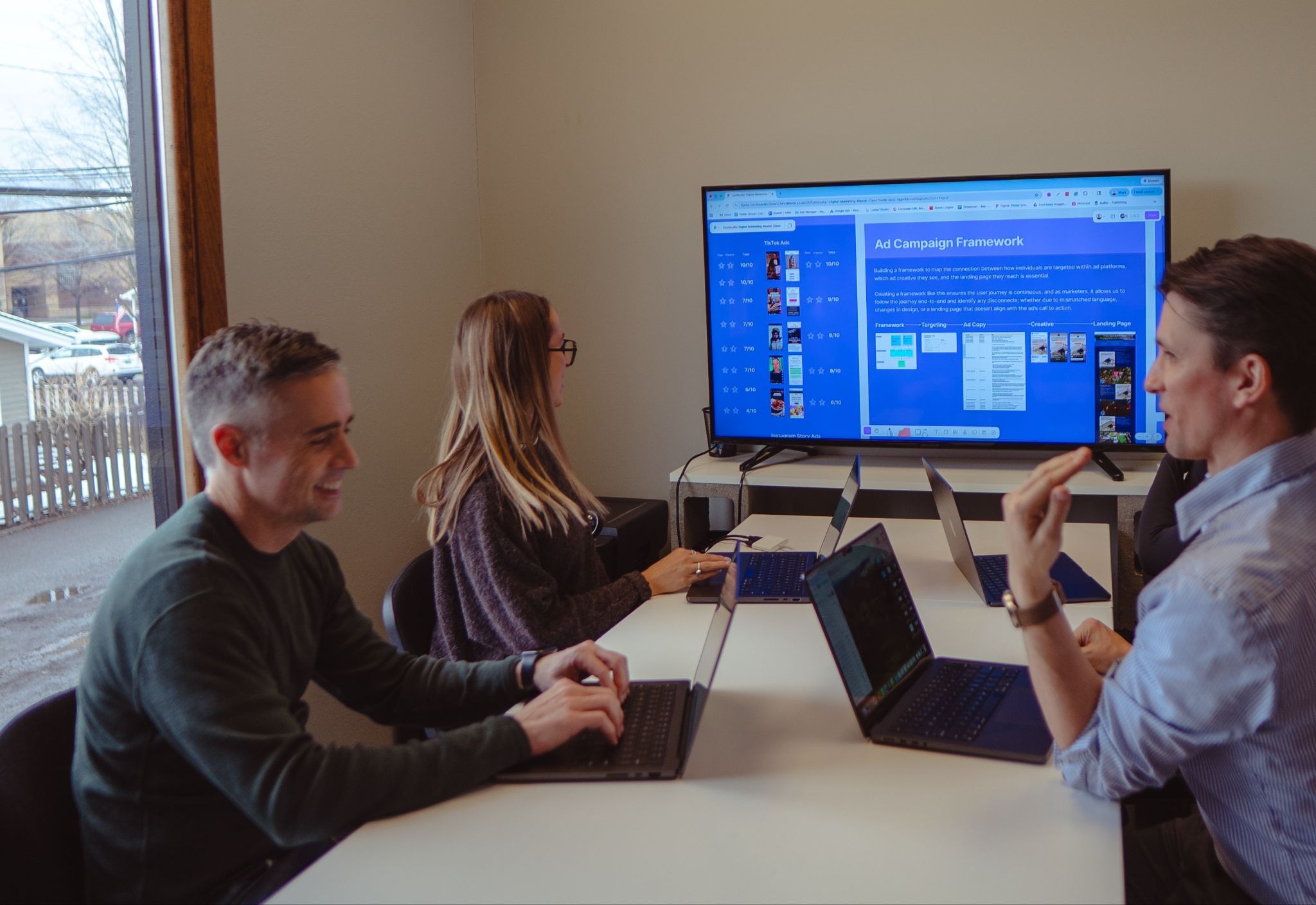
Pintler Group team working on campaigns
Why a one-size-fits-all healthcare website underperforms
Most multi-location practices and clinics run one website for every location, one homepage for every service line, and one generic call to action for every visitor regardless of what brought them there. A patient from a Google search for "sore throat" and a patient who clicked a Facebook ad for flu shots land on the exact same page, see the exact same headline, and have to do the work themselves of figuring out whether this practice is even close to them or takes their insurance. That extra friction is where appointment conversions quietly leak away, especially since 82% of patients research providers online and 71% read reviews before booking, which means most visitors are comparing multiple sites before they ever pick up the phone and rarely give a confusing one a second look.
Team of marketers working at a picnic table
What location-based personalization changes
Location-based personalization swaps out specific elements of a page (the headline, the nearest clinic address and phone number, a location-specific provider bio, an insurance network callout, or even which service line is featured) based on where the visitor is searching from, without building a separate page for every clinic or city. A visitor near your Missoula clinic sees Missoula hours, a Missoula phone number, and Missoula-relevant services front and center. A visitor near a second location sees that clinic's information instead. Nothing about the URL changes, nothing needs a developer to maintain, and the practice isn't stuck manually updating a dozen near-duplicate location pages every time hours or providers change.
This is the kind of change GeoFli's personalization features are built to handle, swapping content by location, radius, or even the specific campaign that brought a visitor in, on the same page the practice already has, rather than requiring a redesign or a new page for every service area. For a closer look at how that works for practices with more than one physical location, this piece on personalizing for multi-location businesses covers the mechanics in more depth.
Where this matters most for healthcare specifically
A few moments in the patient journey benefit disproportionately from location personalization. The first is the initial local search click, showing the nearest clinic's information immediately, rather than a generic "find a location" link, keeps a patient from bouncing to a competitor's site while they hunt for basic details. The second is seasonal and campaign-driven traffic, like a back-to-school immunization push or a flu shot campaign, where the homepage can highlight exactly the service the visitor is already looking for instead of a generic list of everything the practice offers. The third is insurance and network messaging, which varies by region for many practices and is one of the fastest ways to lose a visitor who can't quickly confirm the practice takes their plan.
None of this requires collecting more patient data or adding tracking that raises HIPAA concerns, it's built on the same general location signals used for any local search visitor, applied to the content the practice already controls.
The bigger pattern: organic and local traffic convert better when the page matches the search
Organic search leads close at roughly 14.6%, compared to 1.7% for outbound channels like direct mail and print, largely because a patient who found you through a search query has already self-qualified, they were looking for exactly what you offer. Personalization is what protects that advantage once the visitor arrives: it keeps the promise the search result or ad made, instead of dropping every visitor onto the same generic page and asking them to do the work of finding the right information themselves.
Getting started without a redesign
Practices don't need to rebuild their website to start personalizing by location. The highest-impact starting point is usually the homepage hero and the primary call-to-action, location, hours, and phone number for the nearest clinic, and a click-to-call or scheduling link that matches it. From there, most practices expand into service-specific pages and seasonal campaign landing experiences.
Pintler Group has worked directly with healthcare and clinic clients on exactly this kind of conversion optimization work, focused on turning existing local traffic into booked appointments rather than starting from scratch with new campaigns. If your practice's website is already getting local search traffic but isn't converting it the way it should, that's usually the fastest problem to fix.
Thank you! Your submission has been received!
Oops! Something went wrong while submitting the form.
GeoFli for Real Estate: One Website, Every Neighborhood
You'll learn how real estate agents and brokerages can use geotargeting to show buyers content built around the neighborhood they're actually searching in, without building a separate site for every zip code.
Why AI Overviews Are Changing What "Good" Landing Page Content Looks Like
You'll learn how AI Overviews are changing landing page content, why specificity matters, and how personalization can improve both AI visibility and conversions.
What Does Geotargeting Look Like For Healthcare Practices?
You'll learn how geotargeting solves a real problem for multi-location and telehealth healthcare practices: serving one generic homepage to every visitor regardless of where they're searching from.